Event actions
An event action is a node you create in Infrahub that defines an outcome: add a device to a group, run a Generator definition. Actions on their own do nothing — they fire only when an event rule matches and points at them.
Actions inherit from the CoreAction generic. Two action kinds exist because the most common automated outcomes fall into two categories: modifying group membership, or running a Generator against the impacted object.
| Action kind | Effect | Example |
|---|---|---|
CoreGroupAction | Adds or removes members from a group | Add a device to arista_devices when a node trigger rule fires |
CoreGeneratorAction | Runs a Generator definition against the impacted object | Run create_circuit_endpoints when a group trigger rule fires on provisioning_circuits |
Webhooks are a related concept — they also fire in response to events — but they live outside the rule/action loop because their setup is more involved. Use a Generator action when the outcome stays inside Infrahub; use a webhook when you need to send a payload to an external HTTP endpoint.
Configure a group action
A group action adds or removes nodes from a group when triggered.
- Navigate to the Actions page.
- Click Create and select Group Action.
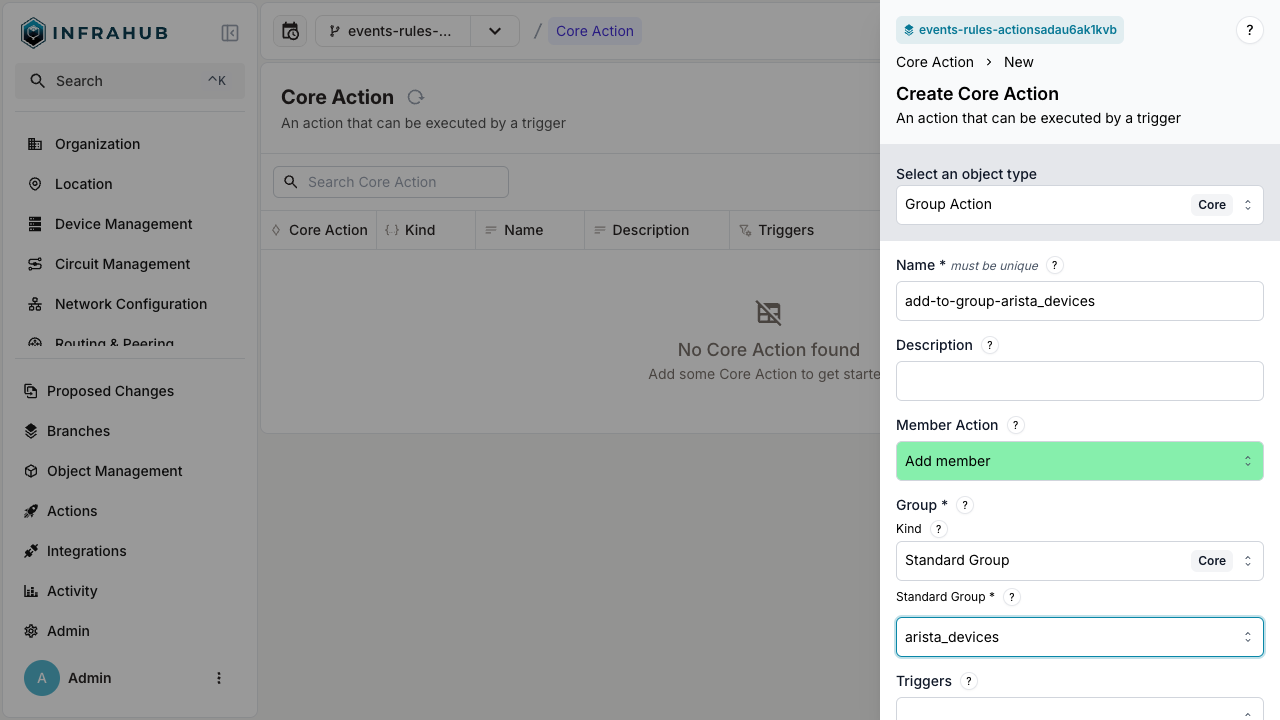
- Configure the action:
- Enter a name (example:
add-to-group-arista_devices) - Select the associated kind of group (example:
Standard Group Core) - Choose the target group (example:
arista_devices) - Click Save.
- Enter a name (example:
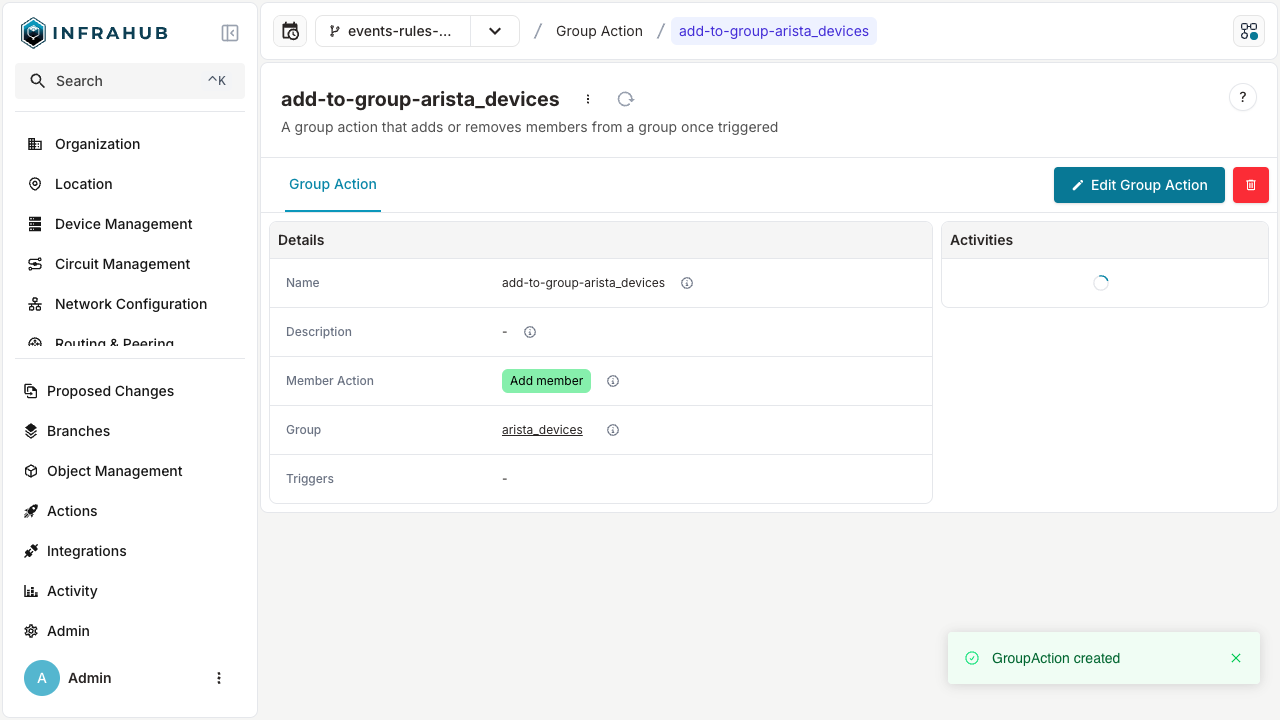
After saving, the details page shows the action's configuration:
The action appears in the actions list and can be referenced by any trigger rule.
Configure a Generator action
A Generator action runs a Generator definition when triggered. The Generator receives the impacted object as its target.
- Navigate to the Actions page.
- Click Create and select Generator Action.
- Configure the action:
- Enter a name (example:
create_circuit_endpoints) - Select the Generator (example:
create_circuit_endpoints) - Click Save.
- Enter a name (example:
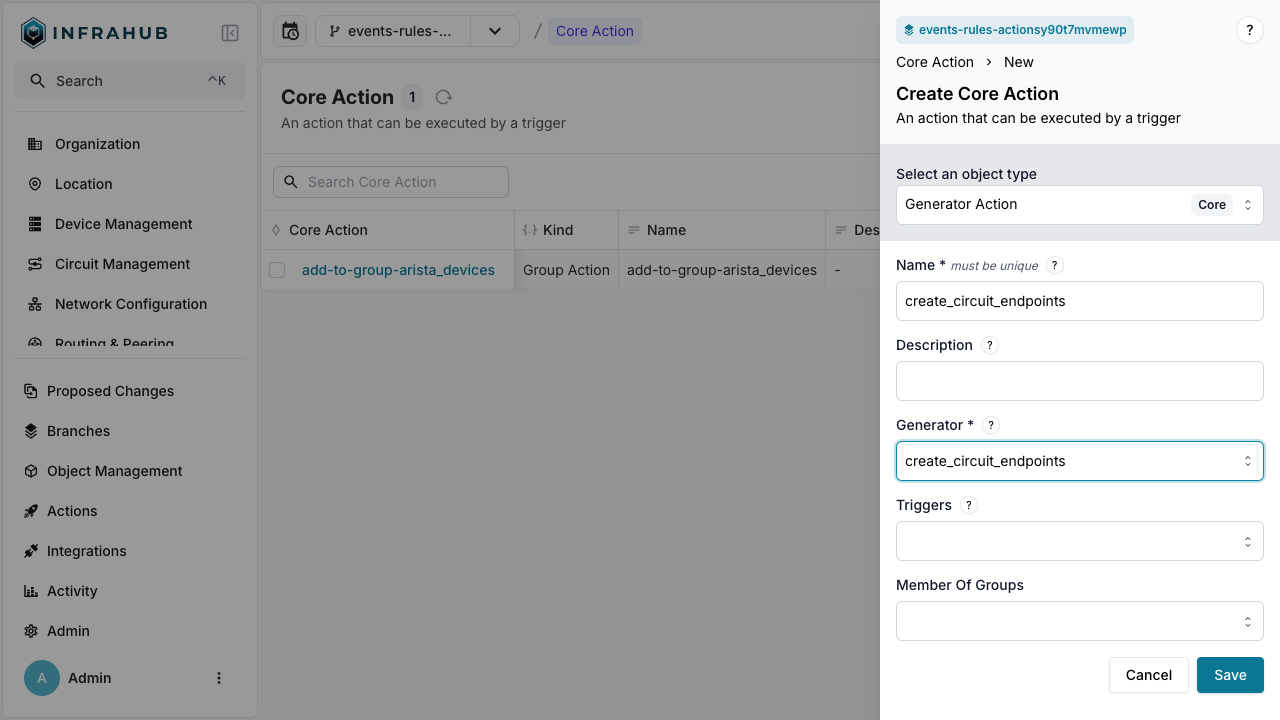
The action appears in the actions list and can be referenced by any trigger rule.
Related
- Event rules — the conditions that fire actions
- Event system — what events are and where they come from
- Webhooks — a related event-driven outcome that lives outside the rule/action loop