Create a webhook
- Via the Web Interface
- Via the GraphQL Interface
- Login to Infrahub's web interface as an administrator.
- Select
Integrations->Webhooks.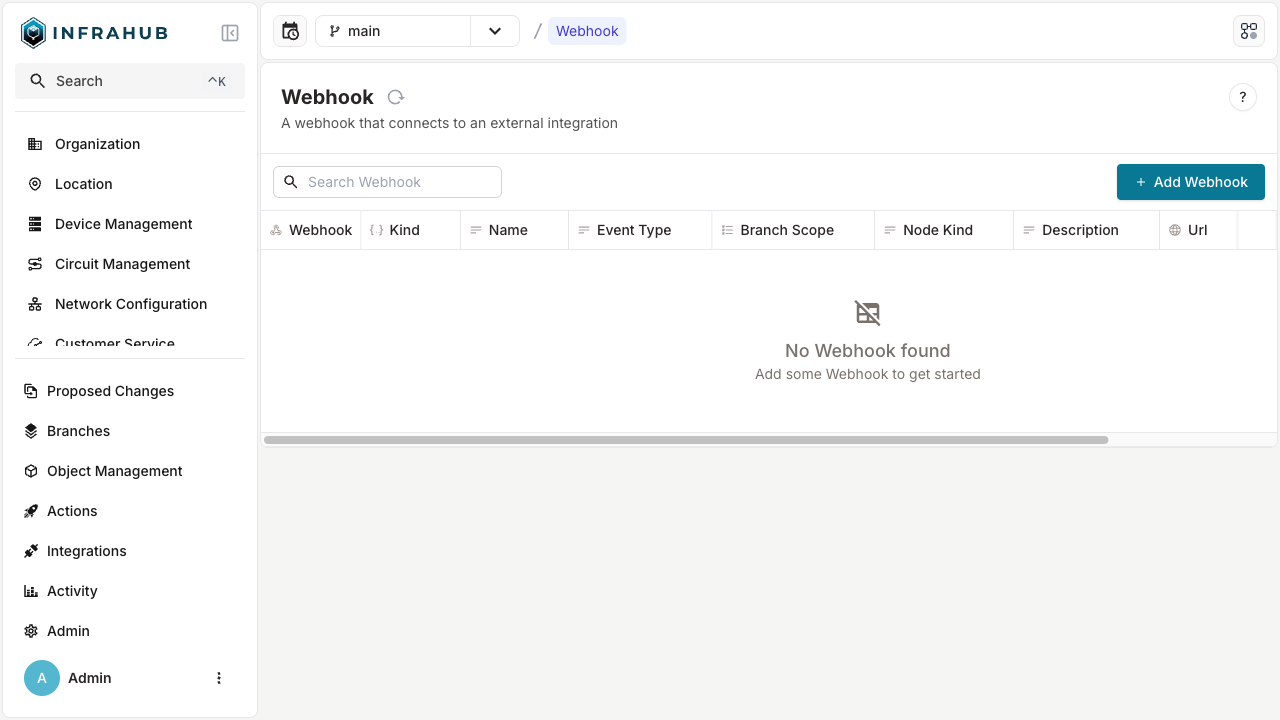
- Click + Add Webhook.
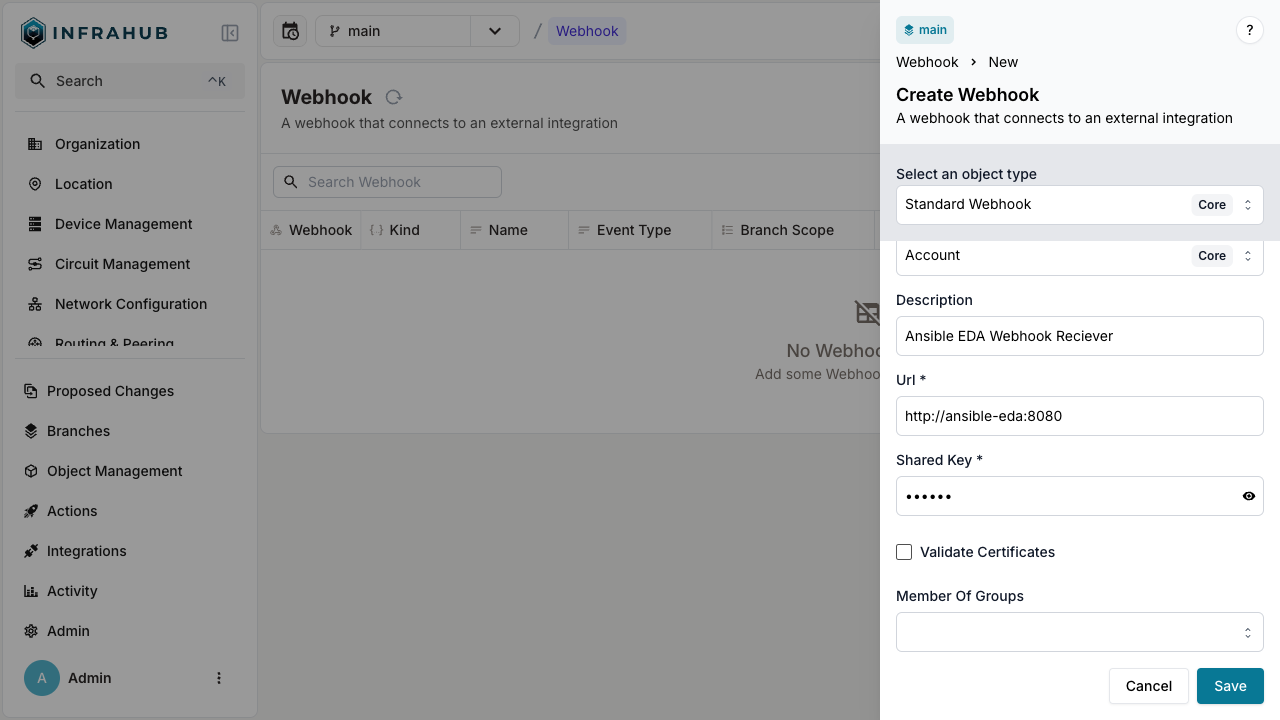
- Fill in the details, select an event type, branch scope, node kind and click Save.
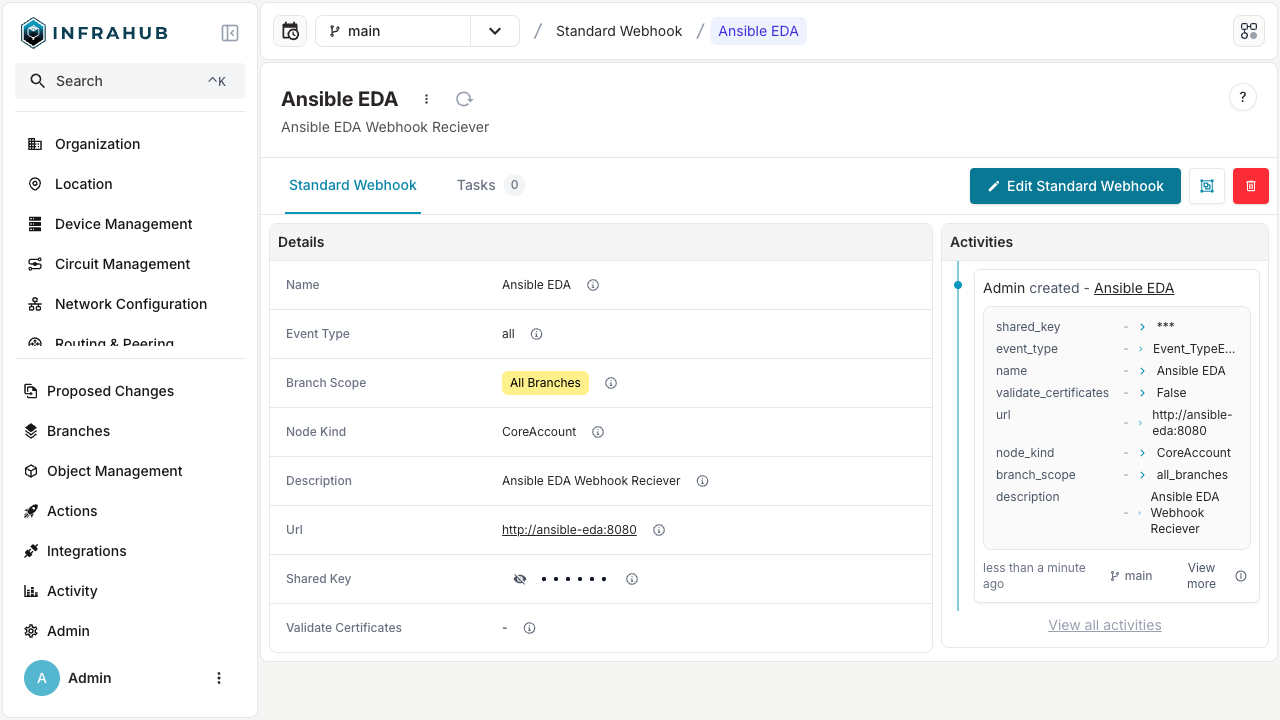
In the GraphQL sandbox, execute the following mutation, edit values to be appropriate for your use case:
mutation {
  CoreStandardWebhookCreate(
    data: {
      name: {value: "Ansible EDA"},
      description: {value: "Ansible Webhook Receiver"},
      branch_scope: {value: "all_branches"},
      url: {value: "http://ansible-eda:8080"},
      event_type: {value: "infrahub.node.created"}
      node_kind: {value: "InfraDevice"}
      shared_key: {value: "supersecret"}
    }) {
    object {
      display_label
    }
  }
}